Your whole shop on your phone.
Your stock, your sales, the parcels on their way and what you really earn on each item. Free, through your cargo company.
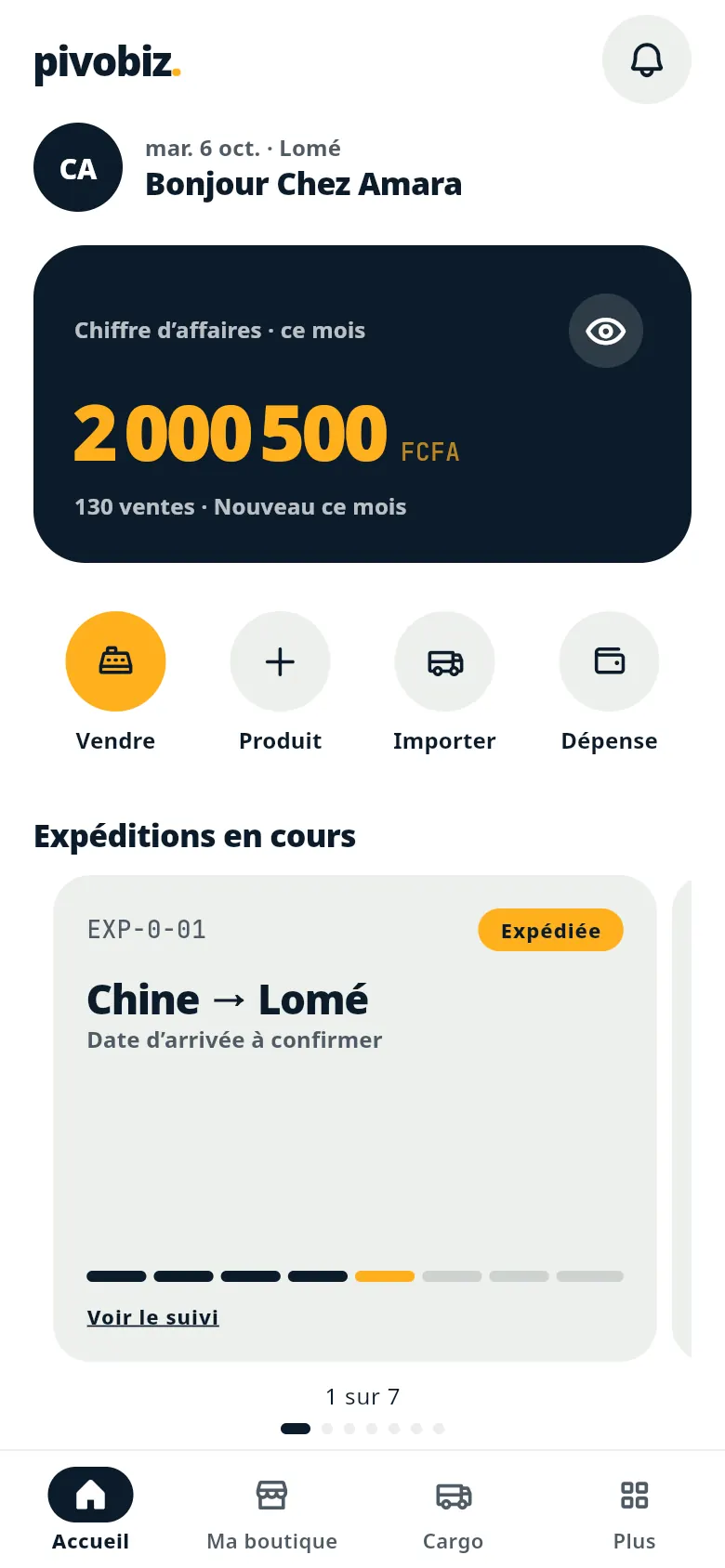
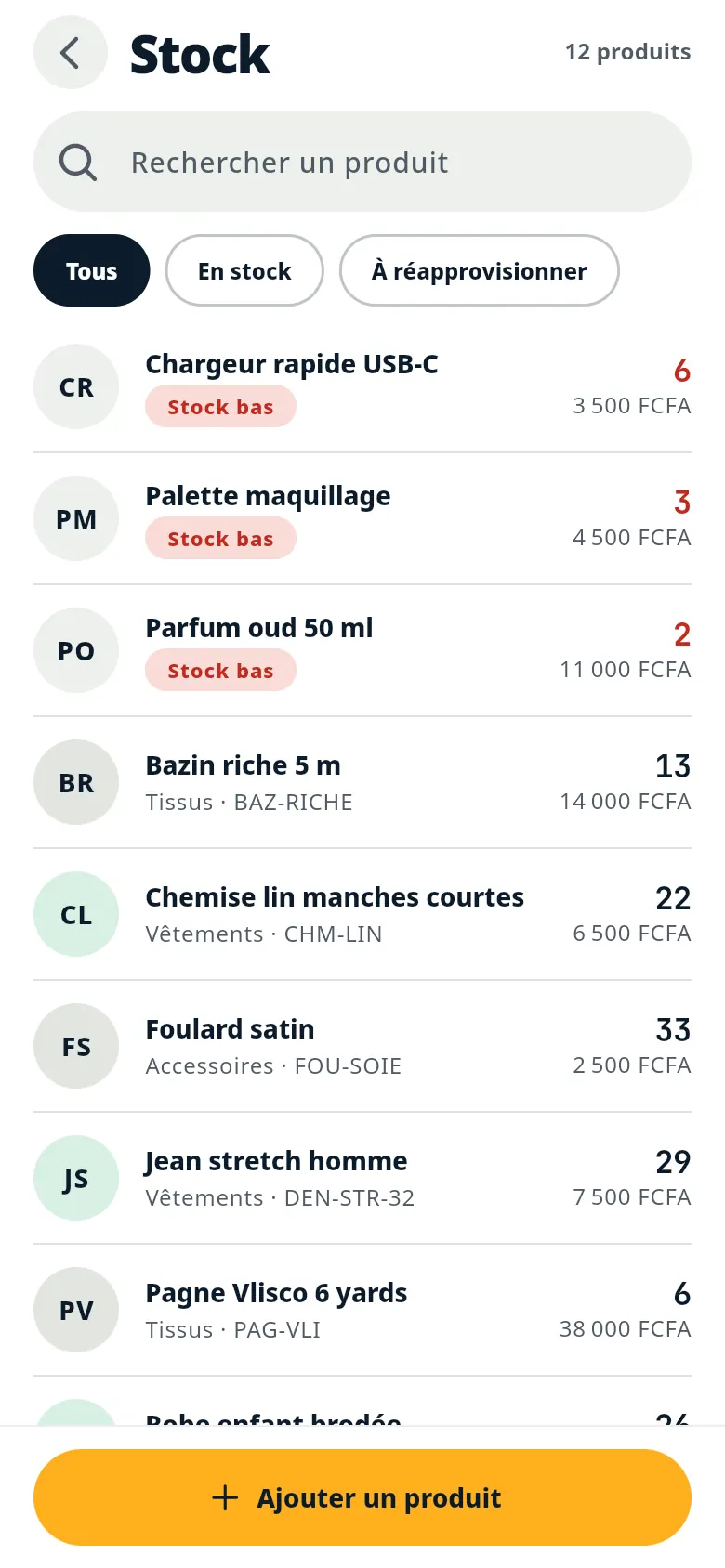
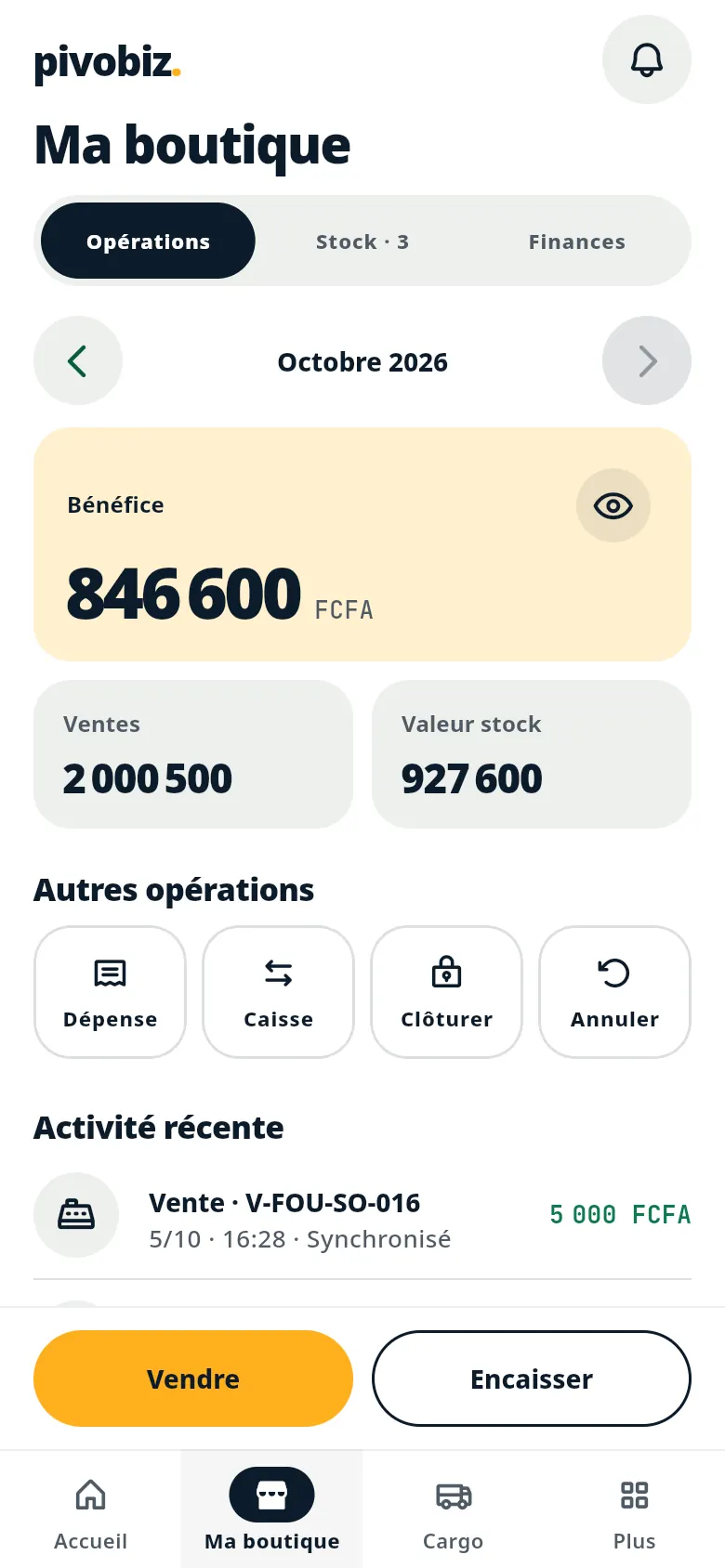
Real screenshots of the app (in French), with demo data.
Four tasks, your whole shop.
Built for the counter: big buttons, few screens, nothing to learn.
 01
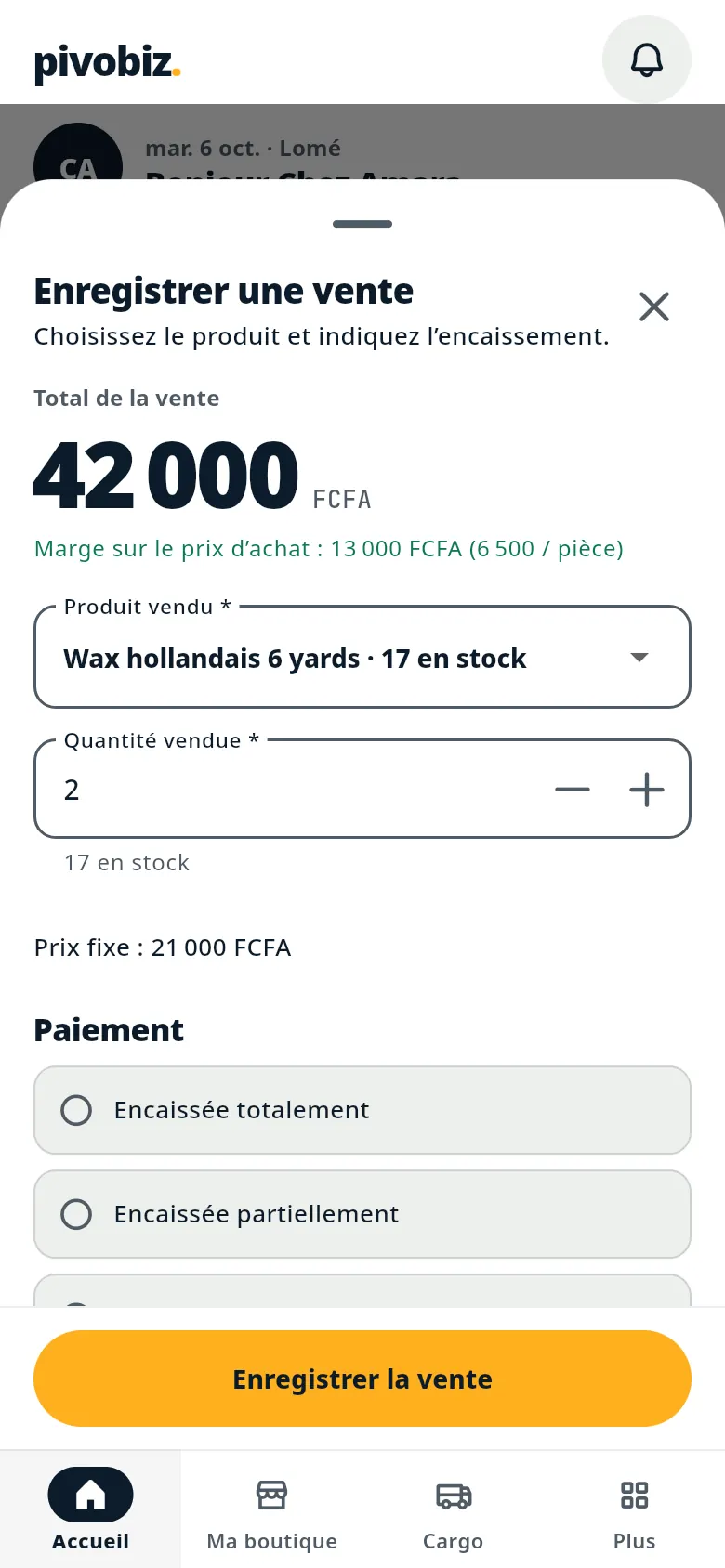
I sell
A sale in seconds. Stock goes down on its own and today's till fills up.
 02
I count
Every item with its quantity. What's about to run out comes first.
 03
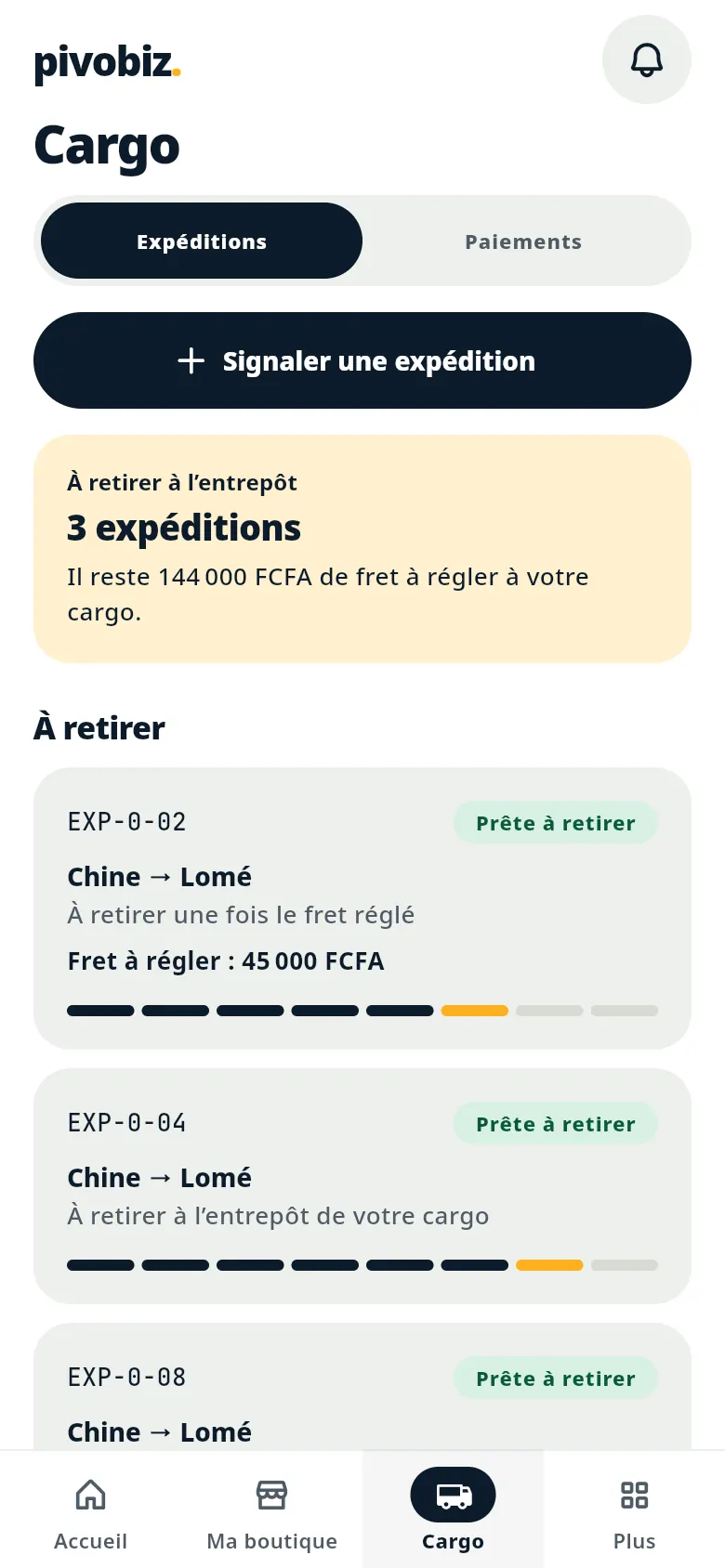
My parcel is coming
I tell my cargo company a shipment is on its way, then follow every step.
 04
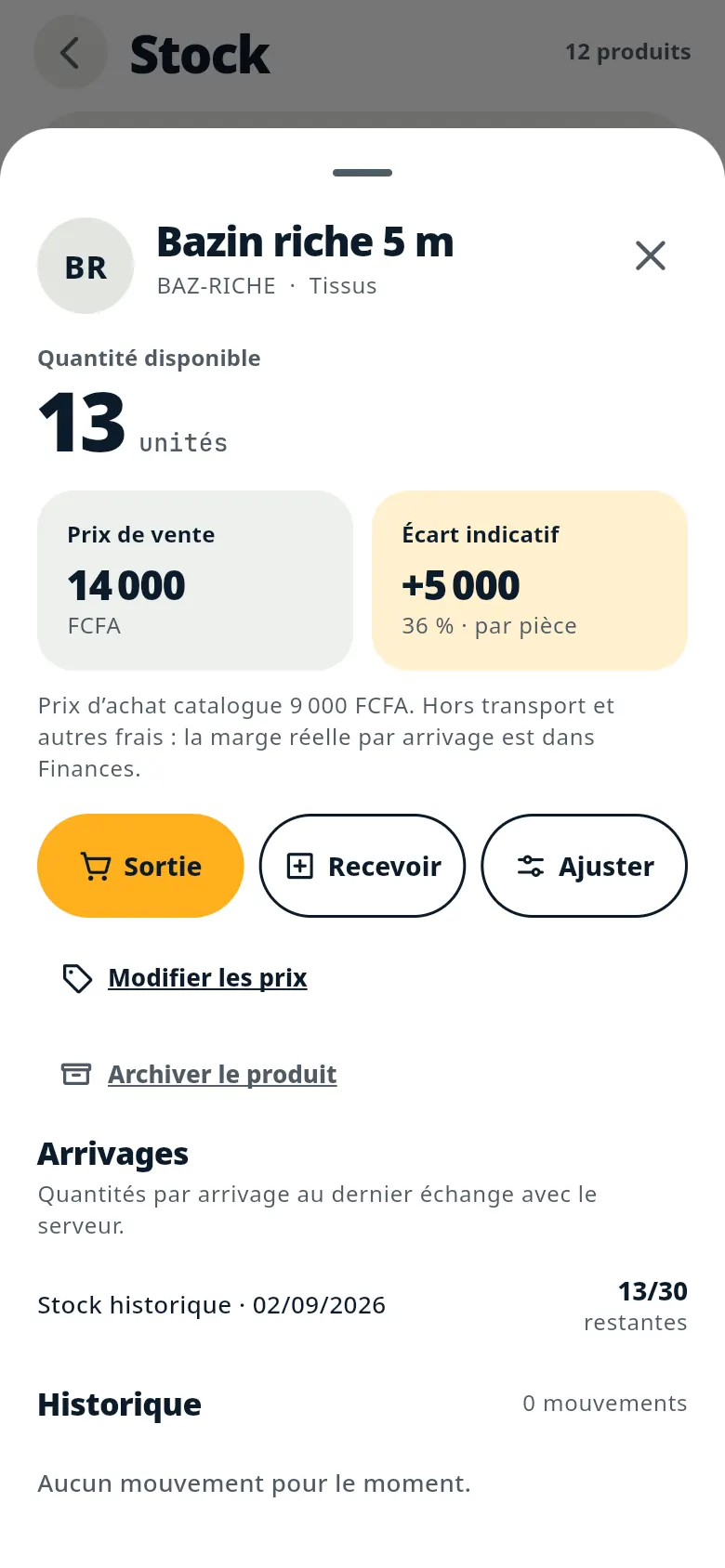
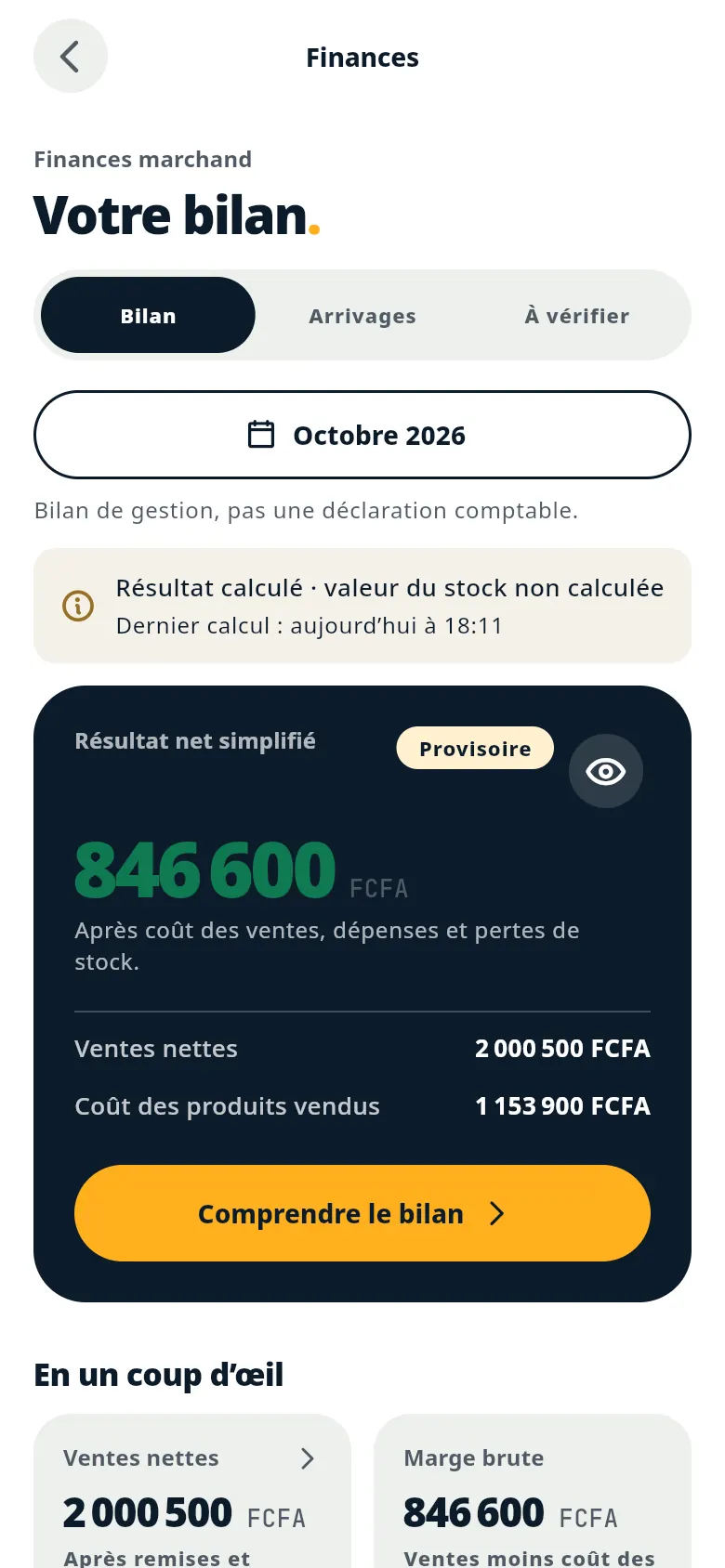
I know my margin
The true cost of each item: purchase price + cargo fees.
Real screenshots of the app (in French), with demo data.
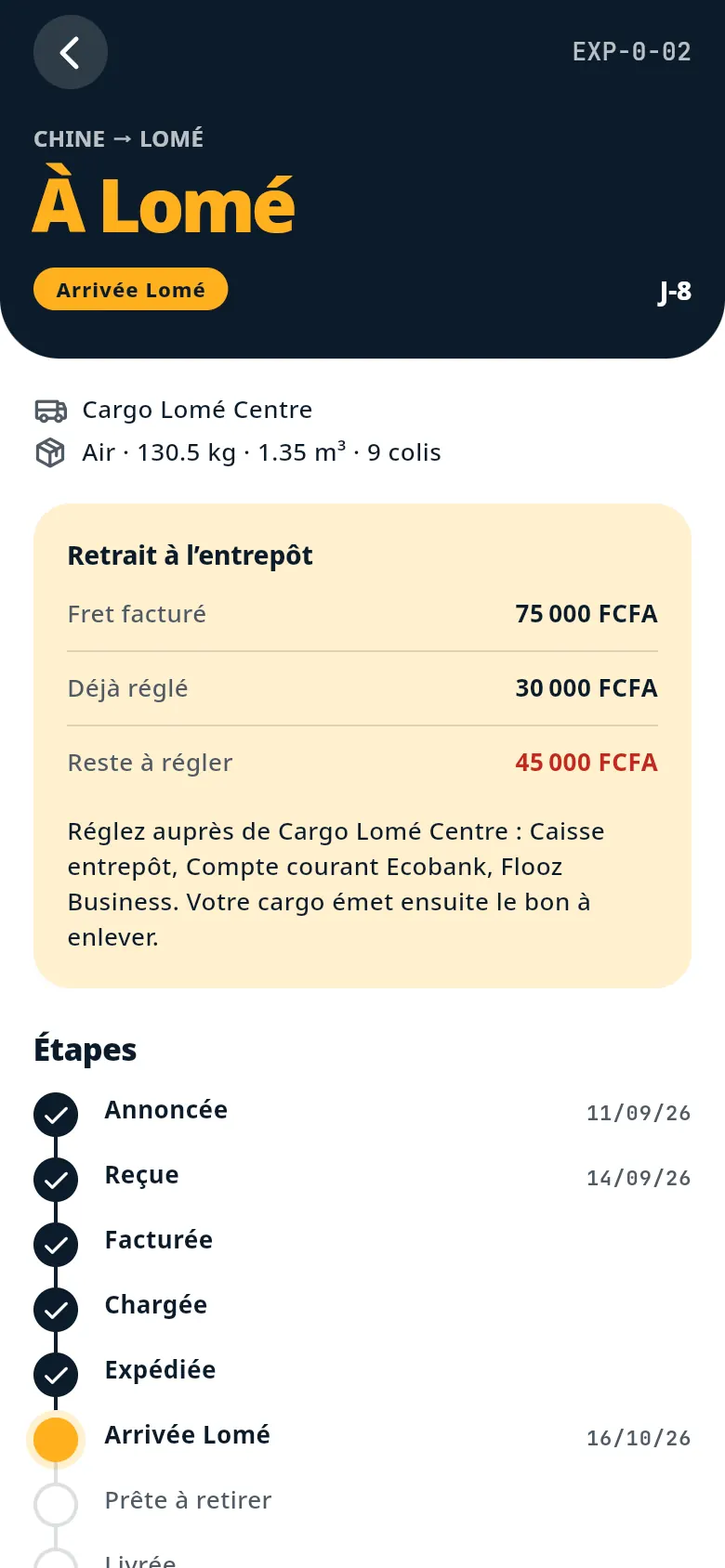
Your parcels, step by step.
- Your cargo company updates every step
- Announced, received, invoiced, loaded, shipped, arrived, ready for collection, delivered.
- You see where your parcel is
- No need to call and ask. The step and the date are in the app.
- Freight costs, clear before collection
- What's invoiced, already paid and still due to your cargo company, before you go to the warehouse.
Know what you earn on every piece.
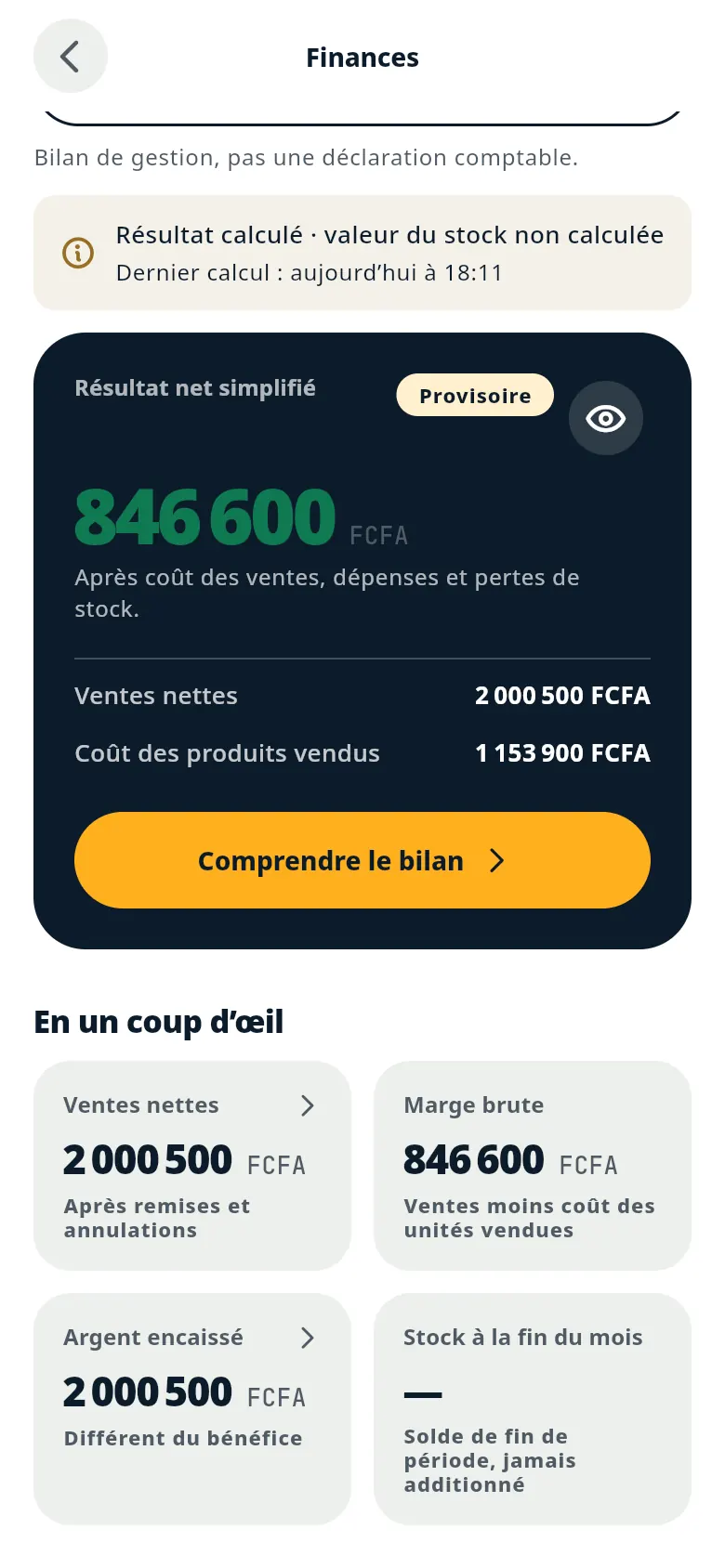
The true cost of an item is its purchase price plus the cargo fees. Pivobiz does the maths for you and shows your margin, item by item and for the month.
Network down? Keep going.
Sales and stock are saved on the phone. As soon as you're back online, everything syncs, with nothing lost and nothing counted twice.
Three steps, with your cargo company.
- 1
Request access
Use the form below or WhatsApp. A first name and a number are enough.
- 2
Your cargo company confirms
Pivobiz works through your partner cargo company: they switch on your access.
- 3
Sign in with your number
Open the app in your phone's browser. No email, no password.
Your shop on Pivobiz.
Leave your first name and number: your cargo company will get back to you to open your access. Prefer to write?
Ask on WhatsAppAlready invited by your cargo company? Open the appYour questions.
Is it really free?
Yes. The app is free for shop owners, every feature included.
Do I need internet all the time?
No. Sales and stock work offline and sync when the network is back. You need a connection to sign in the first time and to see updates on your parcels.
My cargo company isn't a partner. What can I do?
Send a request anyway and choose “Another cargo company”. We'll get back to you as soon as there's a solution near you.
Do I need to install it?
No. The app opens in your phone's browser, at app.pivobiz.com. You can add it to your home screen.
Who sees my numbers?
Your sales and your margin are yours. Your cargo company sees the shipments you send with them. Your data is never resold.